1Sign Up Online
Get started with PostScan Mail by signing up online. The process is quick and straightforward, and plans start at $10 per month. You can pay using a credit card or PayPal. After creating your account, you will be able to select a mailing address and begin setting up your virtual mailbox.

2Choose Your Address
Choose a mailing address from our 1,000+ locations across the United States and internationally. Each address includes a unique mailbox number for secure delivery. You can also add multiple addresses under one account if you need both personal and business mail or a presence in multiple cities.
3Activate Your Account
To activate your account, you must submit a notarized USPS Form 1583. This form authorizes PostScan Mail to receive mail on your behalf, as required by the United States Postal Service. Our online wizard helps you quickly complete the form. You may use either a local notary or an online notary for an additional $20 fee.
4Receive Your Mail
Provide your new mailing address to anyone who needs to send you mail or packages. If you currently receive mail at another U.S. address, you can submit a USPS Change-of-Address request to forward your mail for up to one year. As mail arrives at your new address, our operators scan the outside of each envelope or package label and upload it to your virtual mailbox.
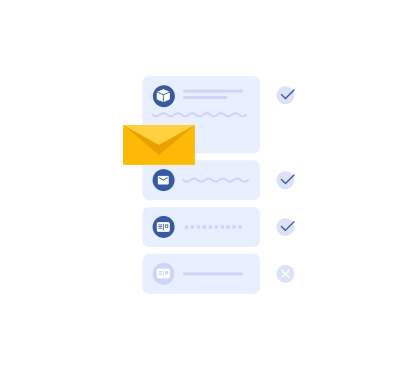
5View Your Mail Online
When mail is received, you will receive an email notification and a push notification if you use our mobile app. Log in to your account to view each mail item, including the sender name, status, date received, and unique mail ID. From there, you can request an open and scan, generate an AI Mail Summary, and decide how the item should be handled.
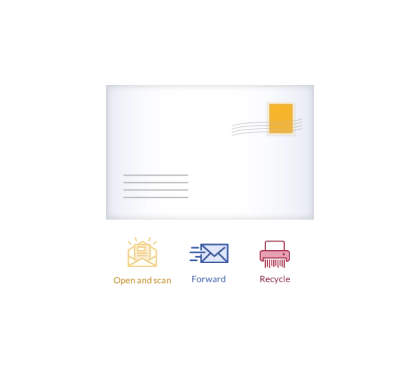
6Manage Your Mail
You have full control over your mail and package deliveries online. Request open and scan services, generate AI summaries to quickly review key details, forward items to any destination, recycle or securely shred mail, or schedule local pickup — all from your virtual mailbox.
Whether you manage one address or multiple locations across our 1,000+ location network for personal, business, or enterprise use, everything stays organized in one secure account.

7Access Anywhere, Anytime
Access your mail remotely from anywhere in the world. Whether you are traveling, working remotely, or managing a business, our platform ensures you maintain full control over your mail deliveries. Use our virtual mailbox or mobile apps, available on Google Play and the Apple App Store, to manage your mail with ease.

8Enhance Security
We prioritize your privacy and security through encryption and secure protocols. Additional security features include two-factor authentication, reCAPTCHA protection, and session management tools that allow you to log out of active sessions.

9Additional Services
PostScan Mail supports a wide range of use cases. Whether you are an e-commerce business managing inbound packages, a traveler needing a reliable mailing address, or an organization processing higher volumes of mail, our platform can scale to meet your needs. Enterprise mailroom solutions are also available for businesses requiring advanced mail management.

10Contact Support Anytime
Our support team is available seven days a week by phone, email, and chat. If you need assistance with your account or mail requests, we are here to help.
Securely receive your mail and package deliveries
Choose from 1,000+ locations across the United States and internationally.