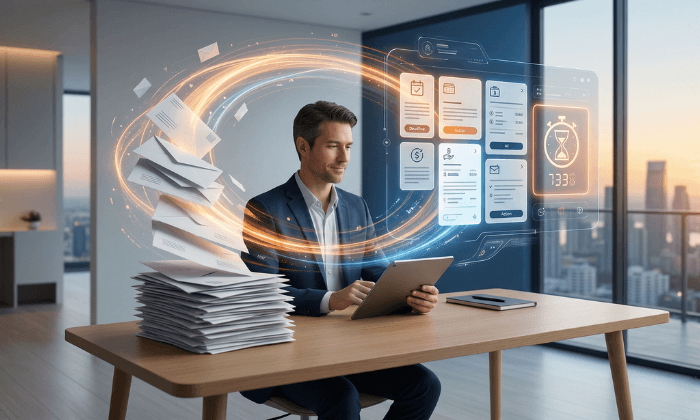
A digital mailbox may be worth considering if you repeatedly collect, read, or route your postal mail and need it all in one place. The strongest signs are recurring delays, frequent travel or moves, privacy concerns, and a need to share documents or forward originals.
You do not need to match every sign. Identify the problem you want to solve, then compare the service’s full cost with your current arrangements. An occasional pile of junk mail may call for a simpler change.
What Is a Digital Mailbox?
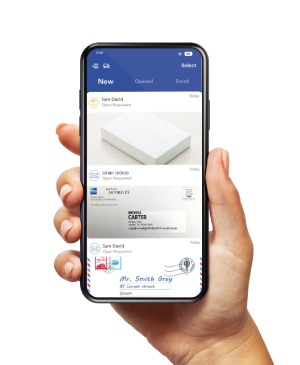
A digital mailbox, also called a virtual mailbox, gives you a physical receiving address and an online account to manage your mail.
A provider receives items, uploads exterior images, and handles requests such as opening and scanning letters, forwarding originals, or disposal.
PostScan Mail’s virtual mailbox service offers these mail-management options, with pickup and package services depending on the location. An envelope image shows the outside of a letter. Reading the pages inside requires scanning and processing.
1. You Need to Read Mail While You Are Away
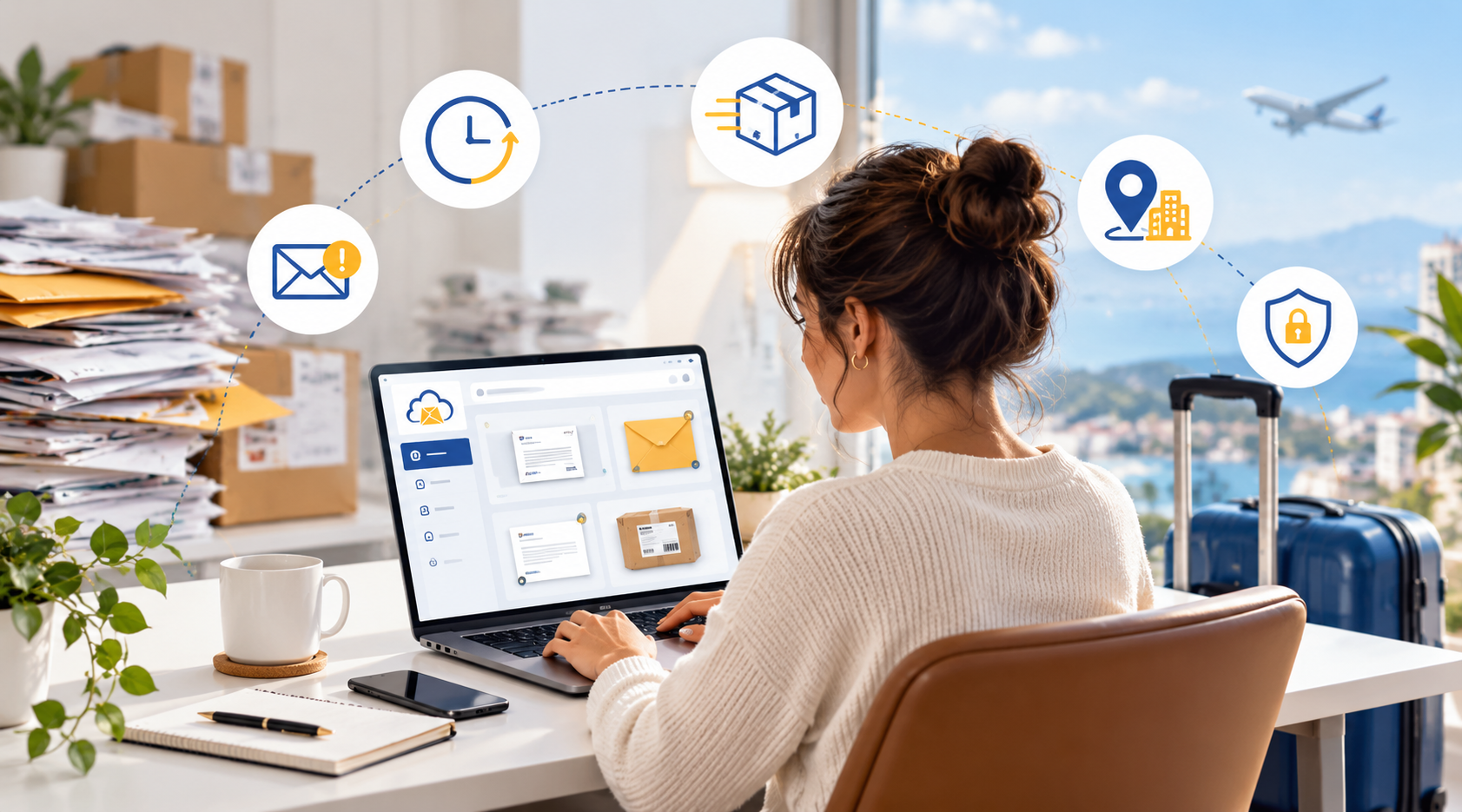
If bills, notices, or business correspondence arrive while you travel, waiting until you return may leave little time to respond.
Asking someone to collect the envelopes does not necessarily give you access to their contents.
A digital mailbox lets you request a scan, review the document online, and decide whether to forward the original.
For example, you could review a renewal notice while keeping the original in storage until you choose where to send it next.
Ask about processing times before relying on the service for time-sensitive documents. Online access does not mean every delivery becomes a content scan immediately.
2. Paper Mail Piles Up Without a Review Routine
The issue may be less about volume than knowing what needs action. If you repeatedly search through unopened letters, an online item list can help you review incoming correspondence before bringing every original home.
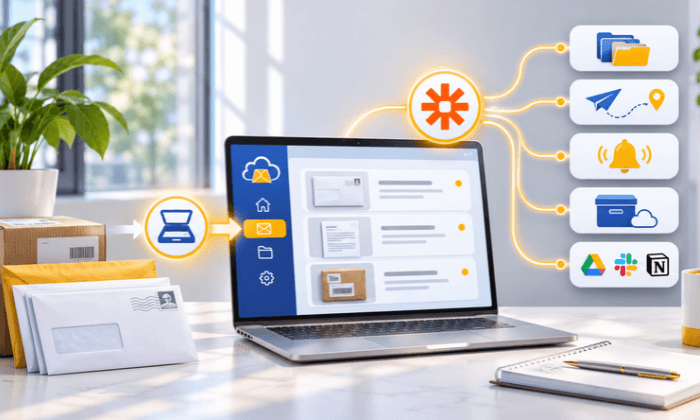
Choose which letters need a content scan and which need forwarding or disposal. PostScan Mail also lets you download scanned documents as PDFs and organize mail through its account tools.
Keep a review schedule and record deadlines after reading documents. Digitizing a pile doesn’t assign responsibility. Retain originals you still need, and confirm a usable copy before authorizing destruction.
3. You Want Another Mailing Address for Your Home Business
If you put your home address on correspondence or public-facing business materials, you may want a separate place to receive mail. A digital mailbox can provide that receiving address while letting you manage the items online.
Check each intended use before replacing an address. A private mailbox is not automatically a business operating location, residence, or registered-agent appointment.
Use the provider’s approved address format and assigned mailbox number.
A new mailing address also doesn’t remove your home address from existing records. The useful benefit is greater control over where you direct future correspondence.
4. Collection Trips Interrupt Your Schedule
Count how often you travel to a mailbox or arrange for someone else to check it, especially when you don’t need to collect anything.
Reviewing incoming items online may reduce trips made only to see what arrived.
For a physical PO Box, check the actual lobby and counter hours. Many locations offer extended or round-the-clock box access, while counter services may have different hours.
If you only need incoming-mail previews, USPS Informed Delivery may be enough.
It provides eligible customers with images of the address side of certain letters and package tracking information. It doesn’t open letters or scan their contents, and a preview doesn’t guarantee same-day arrival.
5. You Need a Receiving Location for Deliveries
If parcels regularly arrive when no one is available, compare a staffed receiving service with your current delivery options. A digital mailbox location may receive eligible packages and hold them for pickup or forwarding.
Confirm the location’s accepted carriers, package limits, handling arrangements, and storage fees. A label image is not an inspection of the contents, and receiving an item is separate from shipping it onward.
Moving deliveries to a provider changes where they are handled; it does not guarantee protection against theft or damage.
Review physical handling and account controls, enable two-factor authentication where available, and limit access to people who need it.
6. Your Location Changes More Often Than Your Mailing Needs
Frequent moves, extended travel, or splitting time between homes can create repeated address updates. Keeping the same receiving service lets you keep one mailing address while changing where selected originals are forwarded.
Check destination support, carrier options, and postage before requesting a shipment. Forwarding can add both provider processing and carrier transit time.
For example, an RV traveler might read letters online and forward a required original to a confirmed pickup destination.
The destination must accept the shipment; an online forwarding request alone does not establish that.
7. Mail Needs to Reach More Than One Person
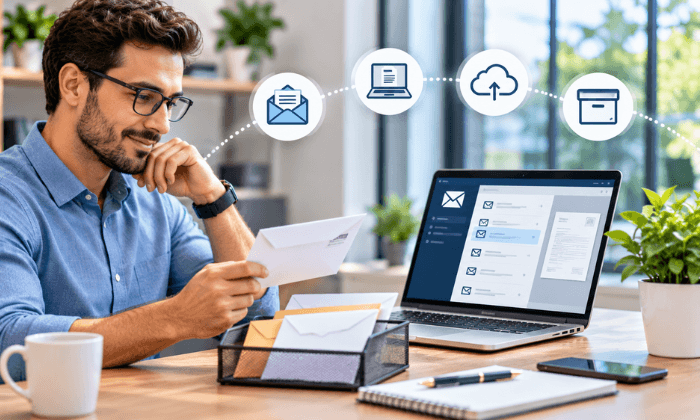
A business can receive a document at one address while the person responsible for it works elsewhere. If scanning, emailing, and chasing each handoff has become routine, an online mail workflow may help.
Distinguish between recipients and users. At PostScan Mail, recipients are additional names that can receive mail. Users have their own mailbox view, and the primary account holder can see items assigned to all users.
Confirm permissions, recipient allowances, and charges before adding people. Name a reviewer and backup for business correspondence. A document in an account still needs someone to read it and decide what happens next.
When Another Mail Option May Be Enough
Match the service to the task rather than buying every available feature.
| Your main need | Option to consider | What to check |
| Pause USPS delivery during a short absence | USPS Hold Mail | Eligible address; holds of 3–30 days; no content scans |
| Collect originals near home or work | A physical PO Box | Location, access hours, package acceptance, and rent |
| Receive fewer paper bills or statements | Sender-provided paperless options | Which documents are available and how long you can access them |
| Read documents and direct handling while away | A digital mailbox | Scan processing, forwarding, storage, access, and total charges |
USPS Hold Mail applies to USPS deliveries at an eligible address, not every private carrier. A PO Box also has its own package rules; participating locations offer Street Addressing for eligible private-carrier deliveries.
Check Whether the Full Cost Fits Your Use
Estimate a normal month before choosing a plan. Count incoming items, content scans and pages, additional recipients or users, originals to forward, and days items may remain in storage.
PostScan Mail’s pricing lists monthly Starter plans from $10 for 30 incoming items. Usage charges can include extra incoming items, content scans, forwarding handling plus postage, storage, shredding, and some pickup arrangements.
Storage terms matter if you receive packages while traveling. The published fee schedule lists 14 free days for letters and 3 for packages on monthly mailbox plans, compared with 30 and 7 days on annual plans. Confirm the terms for your selected plan and location.
Use a Mail Log Before You Commit
For a few weeks, record each item’s sender, the action needed, whether you need the original, and the time you spend collecting or handling it. Then price the same activity under the plan you are considering.
Someone who needs two content scans and frequent package forwarding will pay differently than someone who mainly wants a separate correspondence address. Compare the expected bill with the specific problem solved rather than assuming a subscription saves money.
Choose a Mailbox Around Your Recurring Need
A digital mailbox is most useful when remote review, selective forwarding, or organized access solves a recurring problem.
If your current setup already works, use the comparison above to decide whether a smaller change would be enough.
If several of these situations match your routine, choose a PostScan Mail location, review its plan and handling terms, and test the workflow with a nonurgent letter before redirecting important correspondence.
Access & Manage Your Postal Mail
Anywhere Anytime!
Receive mail anywhere, on any device.
We offer 1000+ mailing addresses for both personal and business use.