If your USPS package was forwarded to a different address, you may be wondering where it is and how you can get it back.
There are several reasons a package can receive a Forwarded status, and it does not always mean that someone changed your address or that your package is lost.
This article explains what the USPS Forwarded status means, why your package may have been forwarded, what you can do if it appears to be going to the wrong address, and how to track it.
Here is all you need to know about forwarded packages.
What Does USPS Package Forwarding Mean?
USPS package forwarding means that a package is being redirected to a different delivery address.
According to USPS, a Forwarded or Forwarded Processed tracking status means the package is being forwarded to a different address because of a Change of Address request or because the package is at the wrong Post Office for delivery.
If you recently moved and submitted a USPS Change of Address, the forwarding may be related to that request.
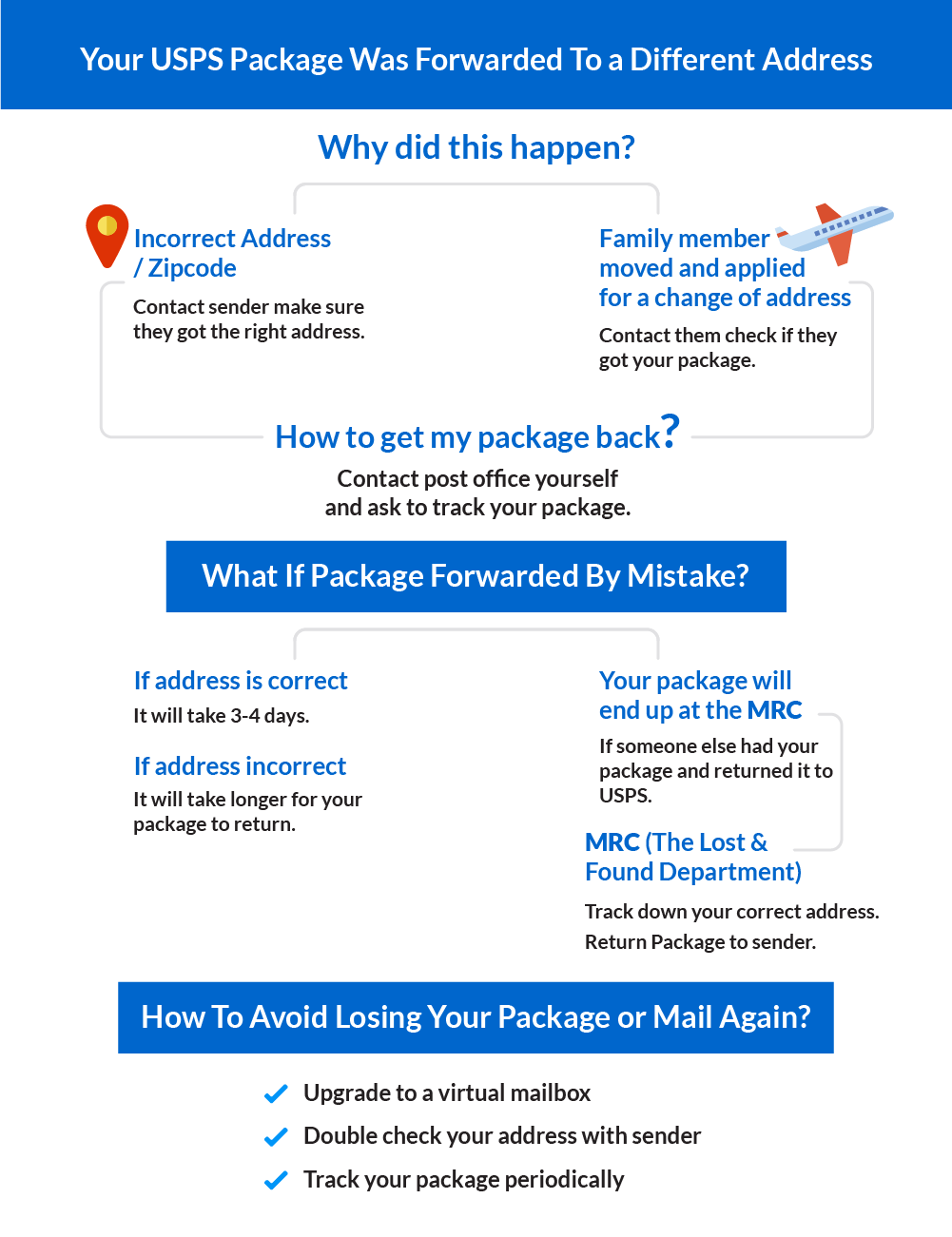
If you did not move or request a Change of Address, the package may be at the wrong Post Office and being redirected to the appropriate delivery location.Check info-graphic
Why Was Your USPS Package Forwarded to Another Address?
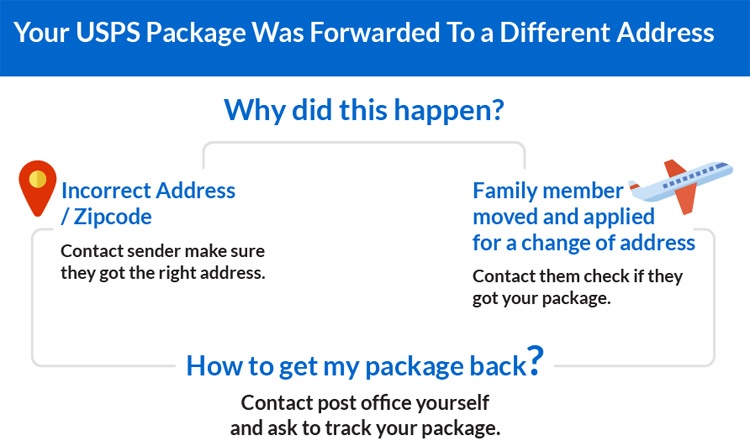
There can be several reasons why your USPS package was forwarded to another address.
You Have a Change of Address
If you recently moved and submitted a USPS Change of Address, USPS may forward eligible mail and packages to your new address.
The forwarding rules depend on the type of Change of Address and the mail class or service.
USPS also recommends notifying businesses and other senders directly when you move instead of relying only on mail forwarding.
The Package Is at the Wrong Post Office
USPS can also show a Forwarded status when a package is at the wrong Post Office for delivery.
In this situation, the status does not necessarily mean that someone changed your address. The package may simply be moving to the Post Office responsible for delivering it.
Check the tracking history for additional scans to see whether the package continues moving through the USPS network.
The Shipping Address May Be Incorrect
An incorrect or incomplete shipping address can cause delivery problems.
Check the address used by the sender, including:
- Street number
- Street name
- Apartment, unit, or suite number
- City
- State
- ZIP Code
A mistake in the shipping information does not necessarily mean that USPS will forward the package to a specific different address.
Depending on the problem, the package may be delayed, forwarded, or returned to the sender.
For example, USPS says that if the street, city, and state do not match the ZIP Code area, the package may be dispatched based on the ZIP Code and, if undeliverable there, forwarded to the Post Office indicated by the city and state.
The Sender May Have an Outdated Address
If you recently moved, the sender may still have your previous address saved in its system.
This can happen with online retailers, subscription services, banks, businesses, and other organizations that regularly send packages.
Check your order confirmation or shipping receipt to see which address the sender used.
What Should You Do if Your USPS Package Is Forwarded to the Wrong Address?
If your USPS package is showing as forwarded to the wrong address, don’t panic. Start by checking the tracking information and confirming the address used by the sender.
1. Check Your USPS Tracking
Review the complete tracking history, including the scans immediately before and after the Forwarded update.
USPS says a Forwarded status means the package is being forwarded to a different address because of a Change of Address request or because the package is at the wrong Post Office for delivery.
You can check the latest information using USPS Tracking.
The tracking history may provide additional information about where the package is moving and whether it has received another scan after the forwarding event.
2. Check Your Shipping Address
Confirm the address that was used when the package was shipped.
If you purchased the item online, check your order confirmation or shipping notification. If someone else sent the package, ask the sender to confirm the address printed on the shipping label.
Make sure the following information is correct:
- Street number and street name
- Apartment, unit, or suite number
- City
- State
- ZIP Code
- Recipient name
3. Check Whether You Have a Change of Address
If you recently moved, check whether you submitted a USPS Change of Address.
If you did submit one, the Forwarded status may be related to that request.
USPS says mail starts arriving at the new address within 7–10 postal business days of the Change of Address start date, although USPS does not provide a single estimated delivery time for forwarded mail.
If you did not submit a Change of Address, the Forwarded status does not by itself mean that someone changed your address.
USPS also uses this status when a package is at the wrong Post Office for delivery.
4. Contact USPS
If the tracking history does not explain why your package was forwarded, contact USPS or your local Post Office.
Have your tracking number and delivery address available.
Ask USPS to review the shipment and help determine why the package received a Forwarded status.
You can find USPS customer service and support options on USPS.com.
5. Contact the Sender
The sender can confirm exactly which address was entered when the shipping label was created.
If the sender entered an incorrect address, ask what options are available for recovering or redirecting the package.
The sender may also be able to contact USPS or take other steps to resolve the delivery problem.
What if the Package Was Forwarded by Mistake?
If you did not request a USPS Change of Address but your package was forwarded, first check the tracking history and confirm the shipping address with the sender.
Do not assume that the package was permanently sent to the wrong address.
USPS can also use the Forwarded status when a package is at the wrong Post Office for delivery.
If the shipping address is correct and you did not request a Change of Address, contact USPS with your tracking number and ask them to review the shipment.
There is no single delivery timeframe that applies to every forwarded package.
How long it takes can depend on the circumstances of the shipment and how USPS processes it.
If the tracking continues to update, keep monitoring the package.
If the tracking stops updating or the package becomes missing, you may need to contact USPS and the sender for further assistance.
Read more about How to Find USPS Lost Package or Mail.
How Can You Track a Forwarded Package?
You can continue using the same USPS tracking number to follow your package after it receives a Forwarded status.
Enter the tracking number on the USPS Tracking page to view the latest tracking events.
Review the complete tracking history rather than looking only at the most recent status.
Additional scans may show whether the package is continuing through the USPS network or has reached another delivery location.
If you received the tracking number from a retailer or sender, you can also contact them for help confirming the shipment details.
If you are checking a package that appears to be going to the wrong address, compare the tracking information with the shipping address shown on your order confirmation or receipt.
Can the Sender Redirect a USPS Package?
In some cases, the sender or an authorized representative may be able to request USPS Package Intercept for an eligible domestic package before it is delivered or released for delivery.
Package Intercept provides different options depending on the shipment and the type of sender.
Eligible shipments may be redirected back to the sender or to a Post Office for Hold For Pickup.
Eligible commercial shipments may have additional redirection options, including a new delivery address.
Package Intercept is not guaranteed, and fees or additional postage may apply.
If you are the sender, check the USPS Package Intercept service to determine whether the shipment is eligible.
How to Avoid Having Your USPS Package Forwarded to the Wrong Address
You cannot prevent every USPS routing problem, but keeping your address information accurate can reduce delivery issues.
- Double-check your address before placing an order.
- Make sure your apartment, unit, or suite number is included when applicable.
- Update your address with retailers, banks, subscription services, and other companies after moving.
- Keep your order confirmation or shipping receipt until the package is delivered.
- If you move, notify businesses and other senders directly of your new address.
- Check the address displayed during checkout before completing an order.
If you frequently move, travel, or spend extended periods away from your home, having a consistent mailing address can also make managing your mail easier.
If you are interested in managing physical mail online, you can learn more about PostScan Mail Package Forwarding Service.
Bottom Line
A USPS Forwarded tracking status does not necessarily mean that your package was sent to the wrong address or that someone changed your address.
USPS says a Forwarded status can appear because of a Change of Address request or because the package is at the wrong Post Office for delivery.
If you see this status, start by checking the tracking history and confirming the shipping address with the sender. If you recently moved, check whether you have a USPS Change of Address in effect.
If you did not request forwarding and the reason remains unclear, contact USPS and the sender for help.
The most important thing is not to assume that a Forwarded scan means your package is lost.
Keep monitoring the tracking information, and take action if the package stops moving or goes missing.
Buy a private mailbox with a Commercial Mail Receiving Agency (CMRA) like Postscan Mail to fully control your mail. With a private mailbox, you can choose to scan, forward, or recycle your mail from the comfort of your room.
You don’t have to worry about USPS packages being forwarded to the wrong address or getting damaged. Instead, go virtual with your PostScan Virtual Mailbox.